
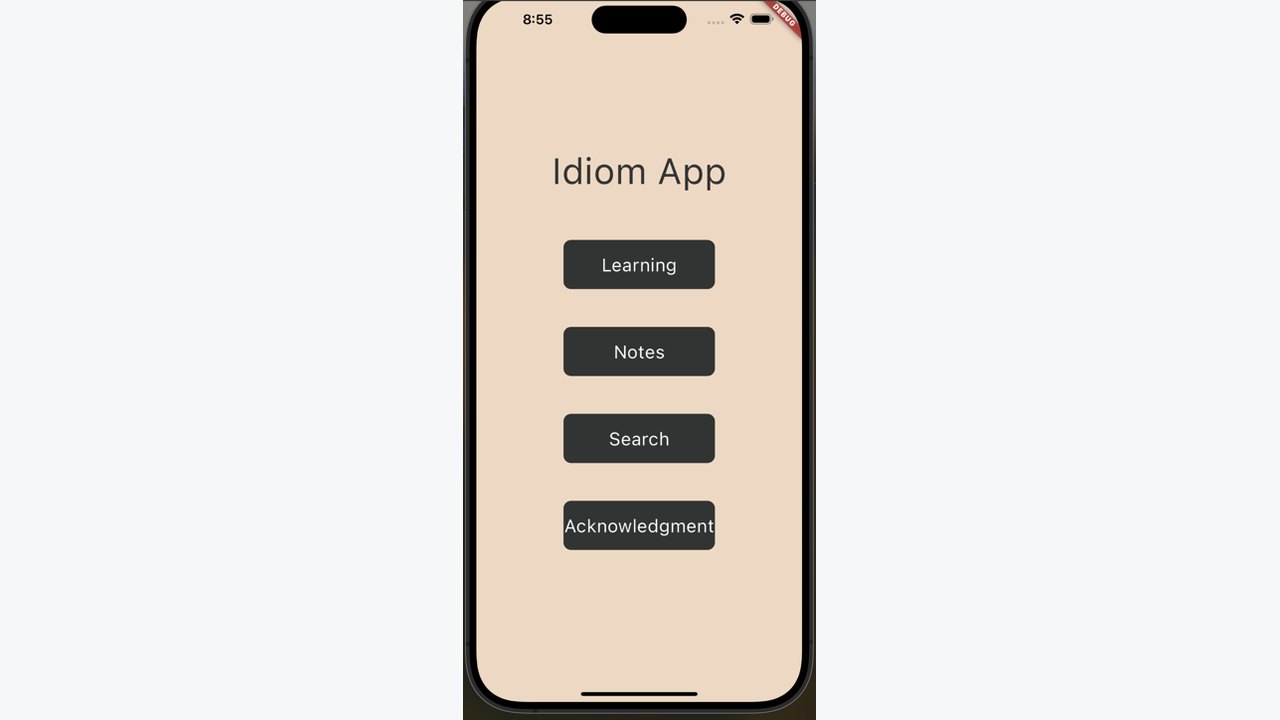
This app helps non-native English speakers make idioms easier to recognise and remember. Each learning page presents an idiom with an image, Chinese meaning, English explanation and a sample sentence. Exaggerated visuals are used to make an expression more memorable, while the bilingual presentation gives learners a quick route between meaning and use.
The project also gives learners tools for returning to material in their own way. They can move forward and back through the idioms, add a learning image to a note, type or draw their own notes and save a screen capture for later. A search feature lets users look up a full idiom or a key word, then open the matching entry directly from the results.
Learn, note and search
- A collection of 150 idioms with illustrations
- Chinese and English explanations with sample sentences
- Previous, Next and Add to Notes controls on each learning page
- A notes space for typing and drawing in different colours
- Search by keyword or full idiom
Feedback and next steps
The final report documents the learning, notes and search functions. Classmate feedback led to a clearer toolbar and suggestions for larger text, contact support, a progress view and a favourites list in later versions.